PORSCHE PLAY Login Problems: Can't Access Account, Wrong Password, Locked Out
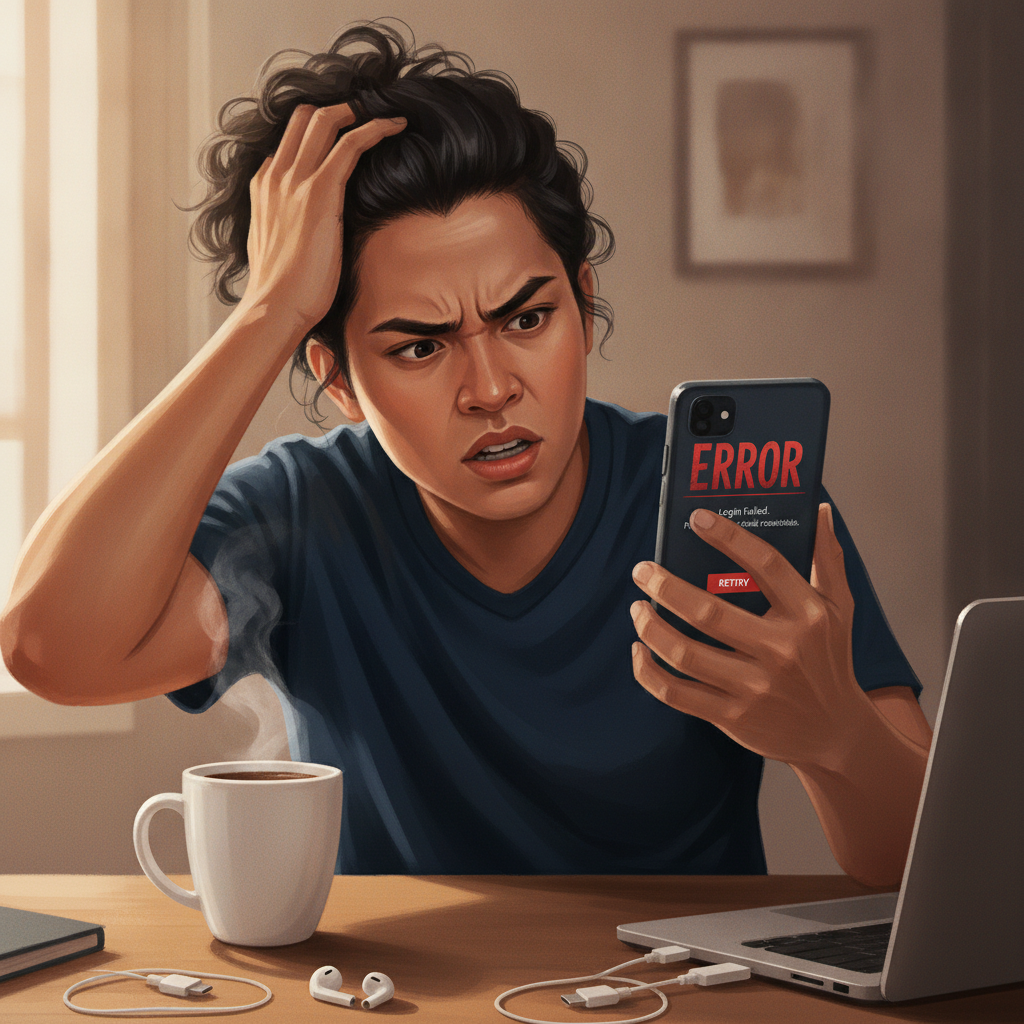
Common Login Error Messages and What They Mean
When you try to log in to PORSCHE PLAY and hit an error, the message usually points to the cause. Here's what the most common alerts mean and how to respond.
"Invalid username or password" or "Incorrect credentials" typically means you've mistyped your registered mobile number, email, or password. Double-check that autocorrect hasn't changed your input, that Caps Lock is off, and that you're using the exact password you set during registration. If you recently changed your password through email or SMS, make sure you're entering the new one.
"Account not found" suggests the username or mobile number you entered isn't in PORSCHE PLAY's system. Confirm you're typing the same number or email you used to register. If you signed up with a mobile number, don't add extra zeros or country codes unless the login field requires them.
"Account temporarily locked" or "Too many failed attempts" appears after several incorrect password tries in a short window. PORSCHE PLAY locks the account for a set period—usually fifteen to thirty minutes—to prevent unauthorized access. Wait, then try again with the correct password or reset it.
"Account suspended" or "Contact support" means PORSCHE PLAY has placed a hold on your account, often due to incomplete verification, duplicate accounts, or a terms-of-service flag. You'll need to reach customer service through live chat or the official email to resolve this.
"Session expired" happens when you've been logged out due to inactivity or when PORSCHE PLAY updates its servers. Simply close the app or browser tab and log in again.
How to Reset Your PORSCHE PLAY Password on Mobile
Forgetting your password is common, especially if you haven't logged in for a while. PORSCHE PLAY offers a straightforward password-reset flow for both Android and iOS users.
On the PORSCHE PLAY app:
- Open the app and tap Log In on the home screen.
- Below the password field, tap Forgot Password? or a similar link.
- Enter the mobile number or email address tied to your account.
- Check your inbox or SMS for a reset code or link. This usually arrives within one to three minutes. If you don't see it, check your spam folder or request a new code.
- Tap the link or enter the code in the app, then create a new password. Use at least eight characters, mixing letters and numbers. Avoid reusing old passwords.
- Confirm the new password, then log in.
On the mobile website (browser):
- Visit the PORSCHE PLAY site in Chrome, Safari, or your default browser.
- Tap the login button and select Forgot Password?.
- Enter your registered mobile number or email.
- Retrieve the reset link or code from your messages.
- Follow the prompts to set a new password and log back in.
If you're not receiving the reset message, confirm that your phone number or email is correct and that you have cell signal or Wi-Fi. Some users on prepaid SIM plans find that SMS delivery is delayed; switching to email reset can help. If the reset link expires before you use it, request a fresh one—most codes are valid for ten to fifteen minutes.
Account Locked or Suspended: Verification Issues and Next Steps
A locked or suspended PORSCHE PLAY account usually stems from identity-verification holds or activity that triggered a security review. Here's how to address each scenario.
Verification pending:
Philippine online casinos require players to verify their identity before processing withdrawals and, in some cases, before full account access. If you registered recently but skipped uploading a valid ID, PORSCHE PLAY may lock certain features until you complete Know Your Customer (KYC) checks.
Log in to your account dashboard—if you can still access it—and look for a Verification or Documents section. Upload a clear photo or scan of a government-issued ID (driver's license, passport, UMID, or postal ID) and a recent selfie holding that ID. Make sure the text on the ID is readable and all four corners are visible. Processing typically takes one to three business days, though weekends and holidays can extend the wait.
Duplicate or multiple accounts:
PORSCHE PLAY's terms allow only one account per person. If you created a second account with a different mobile number or email—perhaps because you forgot your original login—the platform may suspend both until you confirm which is legitimate. Contact support via live chat or the email listed on the PORSCHE PLAY site, explain the situation, and provide your registered details for the account you want to keep. The team will close the duplicate and restore access to the primary account.
Security or terms-of-service flags:
Less common but still possible: PORSCHE PLAY might suspend an account if it detects unusual betting patterns, shared login locations, or other red flags. You'll typically receive an email or in-app notification. Reply promptly with any requested documents or explanations. If you believe the suspension is a mistake, politely state your case in writing and ask for a review. Most legitimate player issues are resolved within a few days.
What to do while waiting:
Don't try to open a new account or deposit from a different device—this can complicate the case. Check your email (including spam) for updates from PORSCHE PLAY support. If you haven't heard back within seventy-two hours, send a follow-up message referencing your ticket or case number.
Clearing App Cache and Cookies to Fix Login Loops
Sometimes PORSCHE PLAY login issues aren't about credentials or account status—they're caused by cached data that conflicts with the app's current session logic. If you enter the correct password and the screen refreshes without logging you in, or if you see an endless loading spinner, clearing the cache often solves the problem.
On Android (PORSCHE PLAY APK):
- Go to Settings → Apps (or Application Manager).
- Scroll to PORSCHE PLAY in the list and tap it.
- Select Storage, then tap Clear Cache. This removes temporary files but keeps your login details.
- If clearing cache doesn't help, tap Clear Data—but note this will log you out and erase saved preferences. You'll need to enter your username and password again.
- Close Settings, reopen the PORSCHE PLAY app, and try logging in.
On iOS (Safari or in-app browser):
Because PORSCHE PLAY doesn't always have a standalone iOS app in the App Store, many Filipino players access the platform through Safari or an installed web-app shortcut.
- Open Settings → Safari.
- Scroll down and tap Clear History and Website Data. This removes cookies and cached files for all sites, so you may be logged out of other services.
- Confirm, then reopen Safari and navigate to the PORSCHE PLAY login page.
If you installed PORSCHE PLAY as a home-screen web app:
- Delete the shortcut from your home screen.
- Clear Safari history and data as above.
- Visit the PORSCHE PLAY site in Safari, tap the Share icon, and select Add to Home Screen again.
- Open the fresh icon and log in.
Browser-based players:
If you use Chrome on Android or iOS, open Chrome's menu (three dots), go to Settings → Privacy → Clear browsing data, check Cookies and Cached images and files, select All time, and tap Clear data. Then restart Chrome and log in to PORSCHE PLAY.
Clearing cache won't delete your account balance, bet history, or pending withdrawals—it only resets local files. It's a safe first step whenever login loops or "session expired" errors repeat.
Account Access Reminders and Staying Secure
Keep your PORSCHE PLAY login credentials private. Don't share your password with friends or store it in unencrypted notes on your phone. Use a unique password that isn't reused across GCash, Maya, or social-media accounts.
If you log in from a shared device or public Wi-Fi—an internet café or a mall hotspot—always log out when you're done and clear the browser's saved passwords. Public networks can expose your session to others on the same connection.
Enable two-factor authentication (2FA) if PORSCHE PLAY offers it in your account settings. This adds an SMS or app-based code to the login flow, making it much harder for someone else to access your account even if they guess your password.
Finally, watch for phishing: fraudulent sites that mimic the PORSCHE PLAY login page to steal credentials. Always check the URL before entering your details. Bookmark the official PORSCHE PLAY domain and use that link every time. If you receive unsolicited emails or texts claiming your account is locked and asking you to click a link, verify the sender before proceeding—official PORSCHE PLAY messages will come from known support channels.
21+ Only and Responsible Gambling Reminder
PORSCHE PLAY is intended exclusively for players aged twenty-one and older. Gambling should remain entertainment, not a way to solve financial problems or recover losses. If you find yourself logging in compulsively, chasing bets, or spending more pesos than you planned, take a break. PORSCHE PLAY provides account cooling-off and self-exclusion tools in the responsible-gambling section of your profile. You can also reach out to local support groups for confidential guidance. Set deposit limits in your account settings and stick to them, and never borrow money to fund your casino or sports-betting play.