PORSCHE PLAY Maya Withdrawal and Deposit: Complete Process and Timing
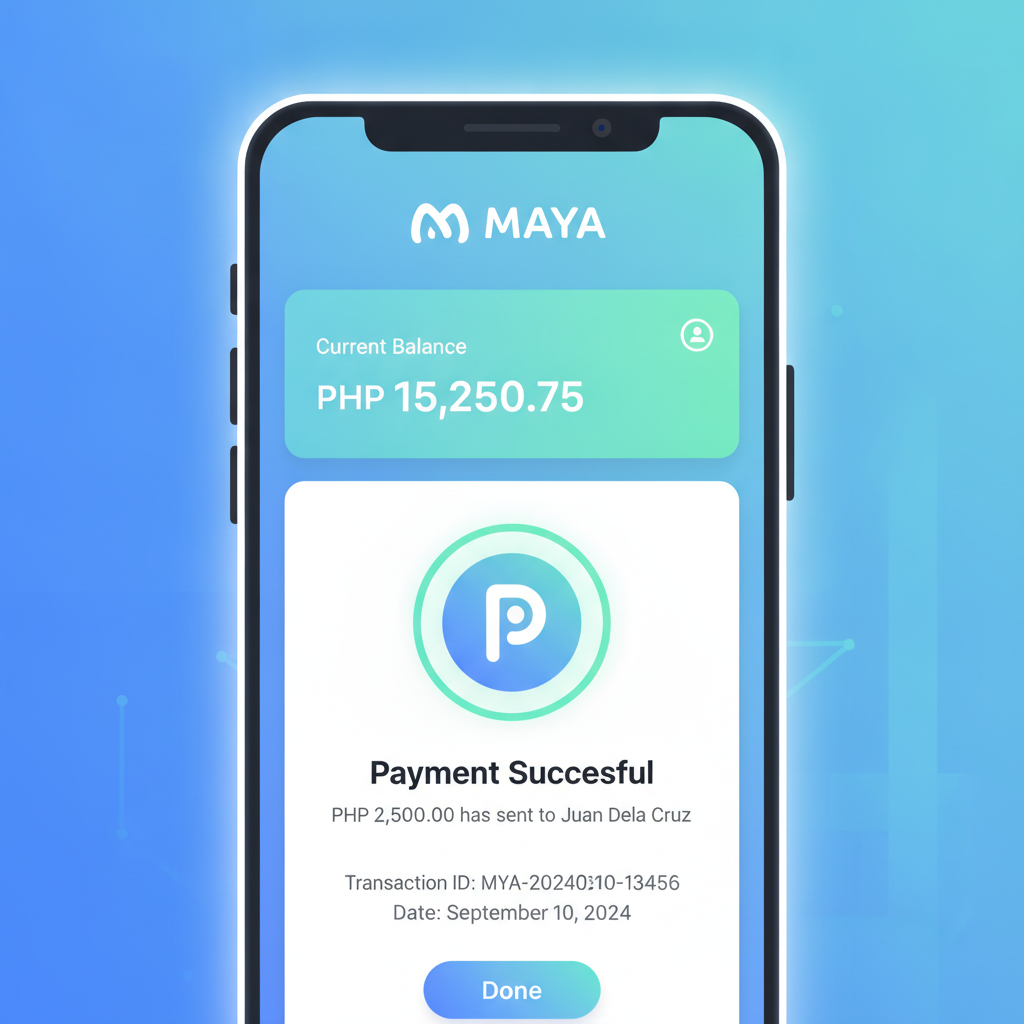
How to Deposit from Maya to PORSCHE PLAY Account
Log in to your PORSCHE PLAY account on mobile or desktop. Tap the Deposit button, usually found in the top menu or account section.
Select Maya from the list of payment methods. You may see it listed alongside GCash, bank transfer, and other e-wallet options.
Enter the amount you want to deposit in Philippine pesos. Most players start with PHP 100 to PHP 500. Check the minimum and maximum deposit limits displayed on the screen—these can vary but typically range from PHP 100 minimum to PHP 50,000 maximum per transaction.
Confirm the deposit amount. PORSCHE PLAY will generate a payment request and redirect you to the Maya app or Maya web checkout.
If you have the Maya app installed on your Android phone, the system will open it automatically. If not, you'll be taken to a mobile web page where you can log in to your Maya account using your mobile number and OTP.
Review the payment details: merchant name (it may appear as PORSCHE PLAY or a third-party payment processor), amount, and reference number. Tap Confirm or Pay Now.
Maya will deduct the amount from your wallet balance. If your balance is insufficient, you can top up Maya first through bank transfer, 7-Eleven, or other channels, then return to complete the PORSCHE PLAY deposit.
Once the payment is successful, Maya will show a confirmation screen. You'll usually be redirected back to PORSCHE PLAY within a few seconds. The deposited funds should appear in your PORSCHE PLAY account balance immediately or within one to two minutes.
Check your PORSCHE PLAY wallet to confirm the credited amount. If the balance does not update after five minutes, take a screenshot of your Maya transaction receipt and contact PORSCHE PLAY customer support through live chat or the help section.
How to Withdraw Winnings to Your Maya Wallet
Navigate to the Withdrawal or Cashout section in your PORSCHE PLAY account. This is usually in the same menu as deposits or under your account profile.
Choose Maya as your withdrawal method. Make sure the Maya account is registered in your own name; PORSCHE PLAY requires the e-wallet account name to match the name on your PORSCHE PLAY player profile.
Enter the mobile number linked to your Maya account. Double-check the number—errors here are the most common reason for failed or delayed withdrawals.
Specify the withdrawal amount. Minimum withdrawal limits are typically PHP 100 or PHP 200. Maximum per-transaction limits vary but often sit between PHP 10,000 and PHP 50,000. If you need to withdraw more, you may need to split it into multiple requests.
Review any wagering or turnover requirements tied to your account. If you claimed a bonus or free spins, PORSCHE PLAY may require you to meet a rollover condition before processing a withdrawal. Check the cashier page or bonus terms to confirm eligibility.
Submit the withdrawal request. PORSCHE PLAY will review and process it. Approval can take anywhere from a few minutes to 24 hours, depending on account verification status and internal security checks.
Once approved, the funds are sent to your Maya wallet. Most PORSCHE PLAY Maya withdrawals are credited within 15 minutes to two hours. In some cases—particularly first-time withdrawals or larger amounts—processing may extend to 24 hours.
Check your Maya app transaction history to confirm receipt. You should see an incoming transfer with a reference to PORSCHE PLAY or a payment partner. If the money has not arrived after 24 hours, contact PORSCHE PLAY support with your withdrawal reference number and Maya account details.
Maya Transaction Limits, Fees and Expected Processing Times
Deposit limits: PORSCHE PLAY typically sets a minimum Maya deposit of PHP 100 and a maximum of PHP 50,000 per transaction. Daily deposit limits may also apply, often capped at PHP 100,000 to PHP 200,000, depending on account tier and verification level.
Withdrawal limits: Minimum Maya withdrawal is usually PHP 100 or PHP 200. Single-transaction maximums range from PHP 10,000 to PHP 50,000. Daily and weekly withdrawal caps may be in place, especially for unverified or standard accounts. VIP or verified players often enjoy higher limits.
Fees: PORSCHE PLAY does not generally charge a fee for Maya deposits or withdrawals. Maya itself does not charge users for receiving money into a wallet. However, if you are transferring funds from Maya to a bank account afterward, Maya may apply a small fee depending on the method. Always check the PORSCHE PLAY cashier screen and your Maya app for the most current fee structure.
Processing times for deposits: Maya deposits to PORSCHE PLAY are almost always instant. Funds appear in your casino account within one to two minutes. Delays beyond five minutes are rare and usually indicate a technical issue or failed payment.
Processing times for withdrawals: Approved PORSCHE PLAY withdrawals to Maya are typically processed within 15 minutes to two hours. First-time cashouts or requests exceeding PHP 10,000 may take up to 24 hours while PORSCHE PLAY completes identity and account verification. Weekends and Philippine public holidays can sometimes add a few hours to the process.
Maya wallet limits: Keep in mind that Maya itself imposes limits. Unverified Maya accounts can hold and receive limited amounts. For full functionality and higher limits, upgrade your Maya account to verified status by submitting a valid government ID through the Maya app.
Fixing Common Maya Payment Errors
"Transaction failed" during deposit: First, confirm your Maya wallet has enough balance to cover the deposit. If funds are sufficient, try closing and reopening the Maya app, then attempt the deposit again. Clear your browser cache or app data if the error persists. If the problem continues, the issue may be on PORSCHE PLAY's payment gateway—contact their support team.
Deposit not credited after successful Maya payment: Check your Maya transaction history to confirm the payment went through. Take a screenshot showing the transaction reference, date, time, and amount. Open PORSCHE PLAY live chat or email support, provide the screenshot, and include your PORSCHE PLAY username. Most crediting issues are resolved within an hour.
"Invalid mobile number" when withdrawing: You must enter the exact 11-digit Philippine mobile number registered to your Maya account (format: 09XXXXXXXXX). Do not add +63 or spaces. If the number is correct and the error remains, verify that your PORSCHE PLAY account name matches the name on your Maya account. PORSCHE PLAY may reject mismatched details for security reasons.
Withdrawal stuck on "pending" for more than 24 hours: Log in to PORSCHE PLAY and check whether any verification documents are required. You may need to upload a photo of your government ID, a selfie, or proof of Maya ownership. Once submitted, processing usually resumes within a few hours. If no documents are requested and the status remains pending, contact support and provide your withdrawal reference number.
"Withdrawal limit exceeded": This means your requested amount is above the daily, weekly, or per-transaction cap for your account level. Break the withdrawal into smaller amounts or wait until the limit period resets. Verified and VIP players often have higher limits—check your account settings or ask support how to upgrade.
Maya account not verified: If Maya flags your account as unverified, you will not be able to receive larger withdrawals. Open the Maya app, tap your profile, and follow the steps to verify your identity by uploading a valid ID. Verification usually completes within one business day.
21+ Only and Responsible Gambling Reminder
PORSCHE PLAY is strictly for players aged 21 and above. Online gambling should be treated as entertainment, not a way to make money. Set a budget in pesos before you play, and never deposit more than you can afford to lose.
If you feel your gaming is becoming a problem, use PORSCHE PLAY's deposit limits, self-exclusion tools, or reach out to a local support organization. Keep gaming fun and within your means.